PYTHOS
Build alone and nobody double-checks you. PYTHOS finds the lines to fix and the work nobody owns.
Tasks, Apple Reminders, schedules, notes, contacts, exported mail, mind maps, work files, and source code join one ontology graph. When something changes, the Agent compares it against the previous state and lists the mismatched lines, the missing checks, and the work nobody owns, each with links to the files it read.
- Ontology
- Tasks
- Schedules
- Reminders
- Notes
- Contacts
- Mindmaps
- Work files
- Source code
- Local AI
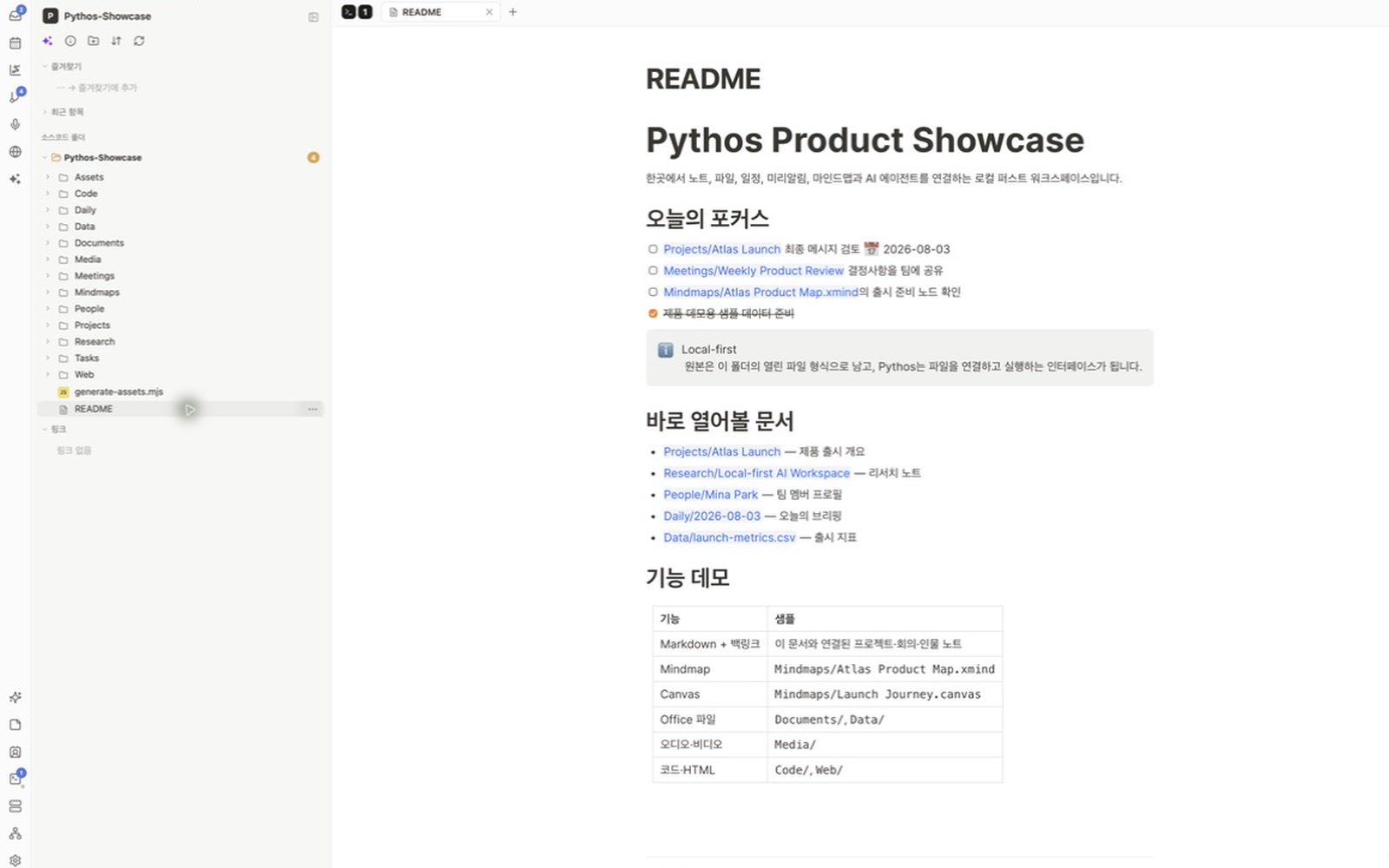
What it solves.
Ontology first
Task, Reminder, Schedule, Note, Contact, Mindmap, Work file, and Code are defined as entities with project, person, deadline, and file relationships. The Agent uses this structure to read the material together.
Ongoing Agent comments
When a new schedule, edited note or mind map, related contact, work file, or code diff reaches the graph, the Agent compares it with the previous state. It comments on what changed, what needs attention, and the evidence behind it.
Files are the data
There is no proprietary document database. Notes stay in Markdown and settings stay in text files, so another editor can open them as they are.
One vault, several screens
Desktop uses Tauri, the web client uses a local file bridge, and mobile uses Expo. All three read the same folder.
Choose the AI per task
Run local mlx-vlm or use OpenRouter, Anthropic, and OpenAI-compatible APIs. Each task can use a different profile.
Schedules join the same graph
Reminders and calendar events sit beside documents and source code. A task keeps its links to the document and the code that document names.
An Agent team with visible owners
Assign Master, Research, and Release roles. The organization view records responsibility and delegation.
Memory you can inspect
Observations, facts, preferences, commitments, and insights become short- and long-term memory. Review or delete them from the Memory tab.
Discord Agent Gateway
On desktop, messages from allowed Discord users become workspace Agent turns and answers return to the same channel. The selected AI profile’s approval mode still applies.
Tools stay beside the note
Search, terminals, Git history, HTML preview, and meeting-note conversion open beside the note. You do not have to move the work to another window.
Annotate one passage
Select one part of the note for AI editing instead of rewriting the whole document. The interface keeps the selection mode visible until you leave it.
Review before running
Choose the open note as the review target, add an instruction in the preparation dialog, and decide whether to run it.
A Sticky Note over the work
Float your own items or selected Apple Reminders in a small note. Reorder the rows and assign icons inside the note.
How it is built.
- Next.js static export + React 19
- Tauri 2 desktop shell
- Expo mobile client
- Markdown · Git · local filesystem bridge
- Ontology knowledge graph
- Clean Architecture package boundaries
“The AI Agent keeps checking changes in the links between people, projects, deadlines, notes, and code. It analyzes several sources together and leaves comments linked to the evidence.”